DDM Help
Search…
⌘
Ctrl
k
Search…
⌘
Ctrl
k
DDM Help
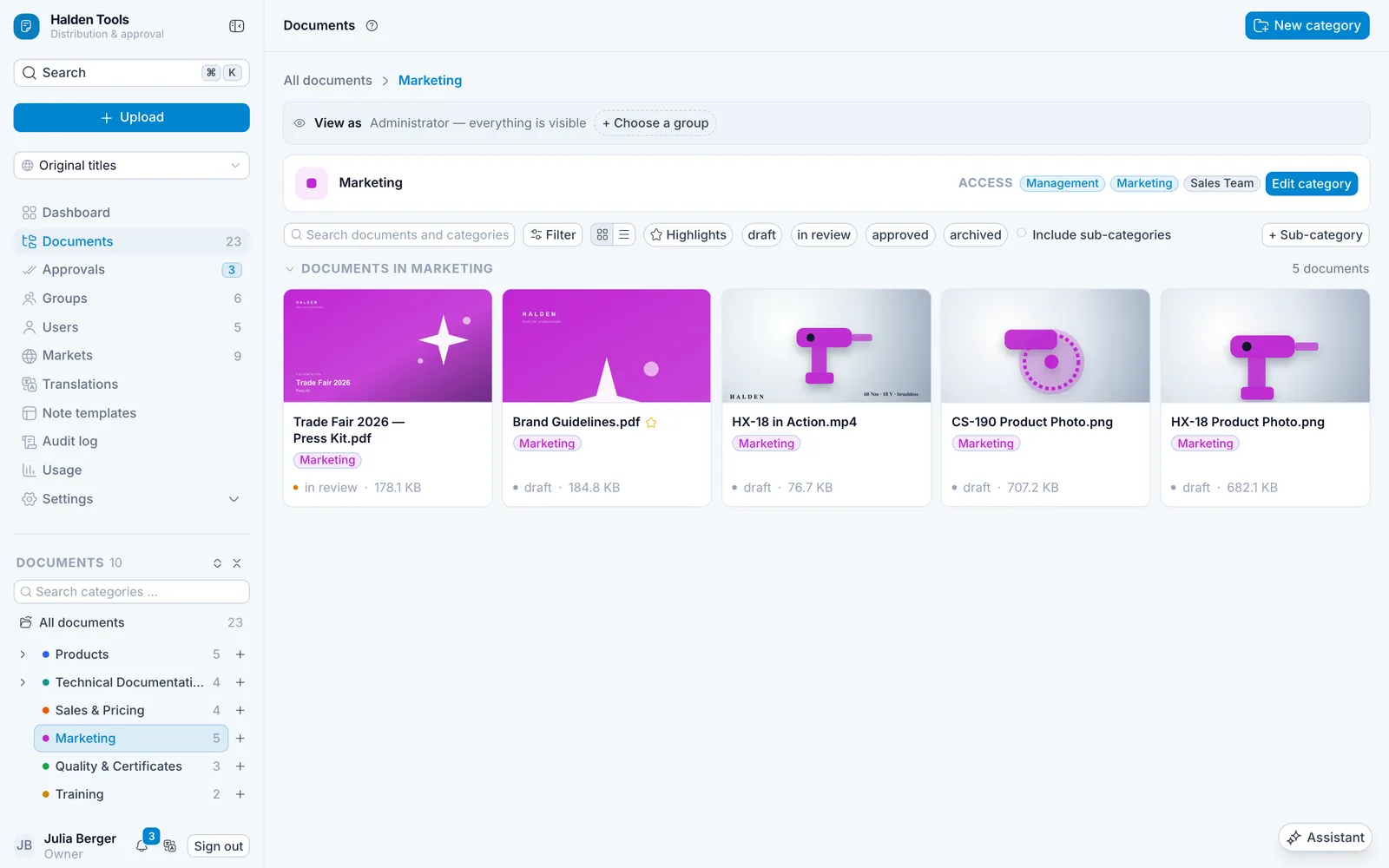
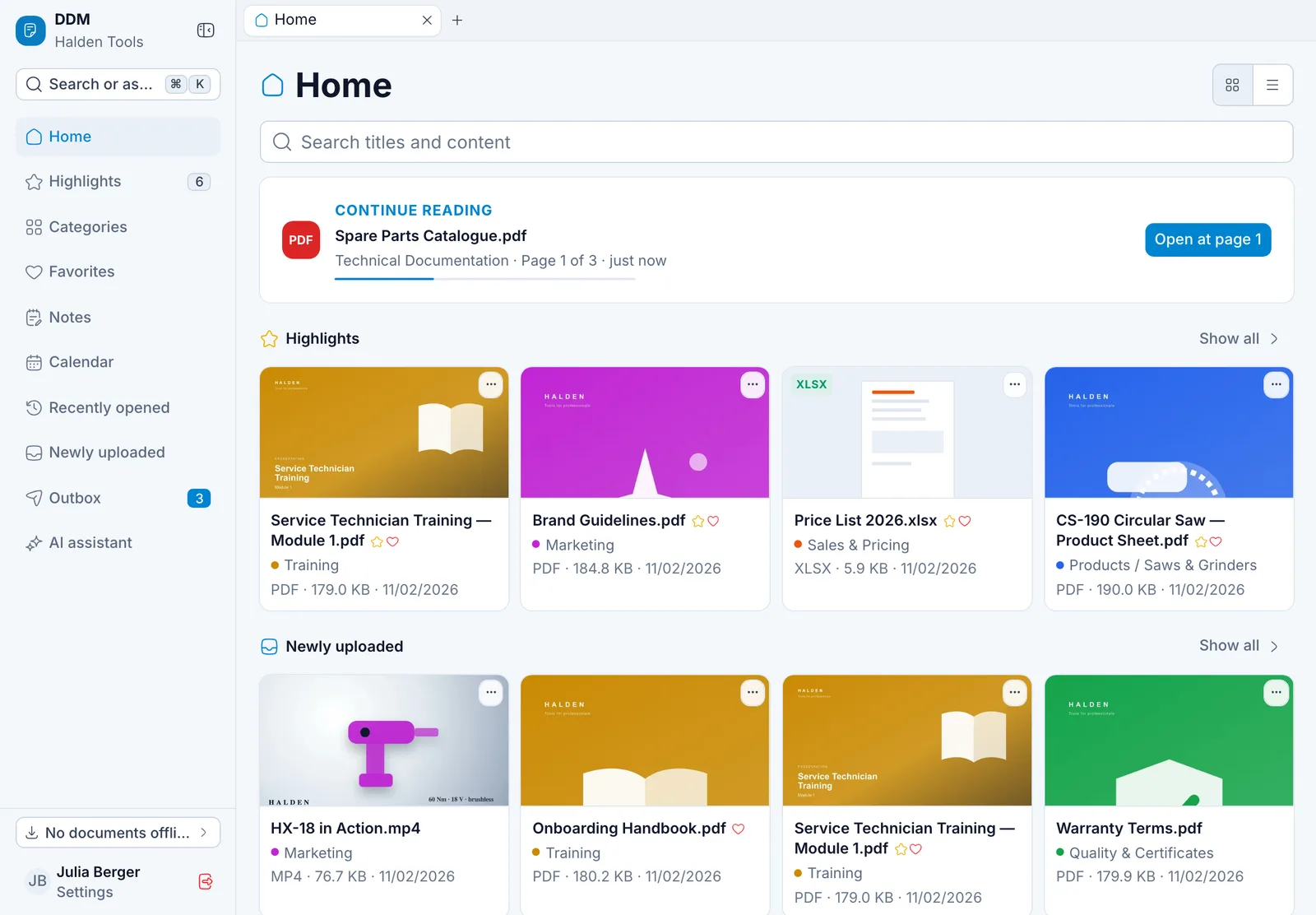
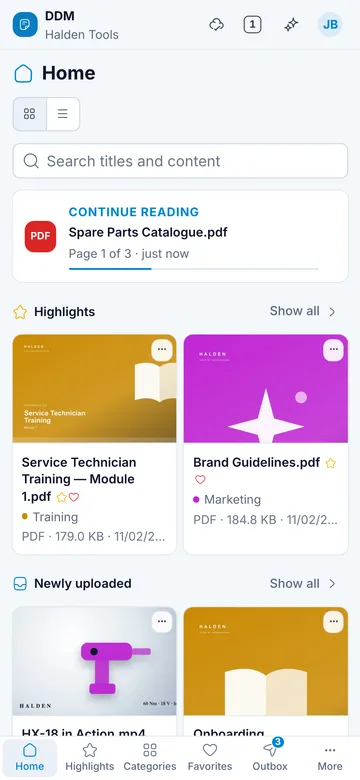
Explained step by step, with pictures: upload and organise documents, grant permissions, approve them – and in the app, read, search, take them with you offline and send them to customers.
Getting started
Upload documents
9:41
●●● ▮
Common tasks
Upload documents
Bring files and whole folders into the CMS.
Create categories
Organise documents and decide who sees what.
Groups and permissions
Form groups and give them access to categories.
Approve
Have documents checked before they are distributed.
Write notes
Notes and visit reports in the app.
Send to customers
Send material by link and see what was opened.
Work offline
Bring documents onto your device – for when you are on the move.
Calendar
Appointments with the right material.
 DDM Help