 DDM Help
Getting started
What is DDM?
CMS and app – who works with what, and which roles there are.
DDM brings your organisation's documents to the people who need them – up to date, approved and only to the right people. DDM has two parts:
Roles
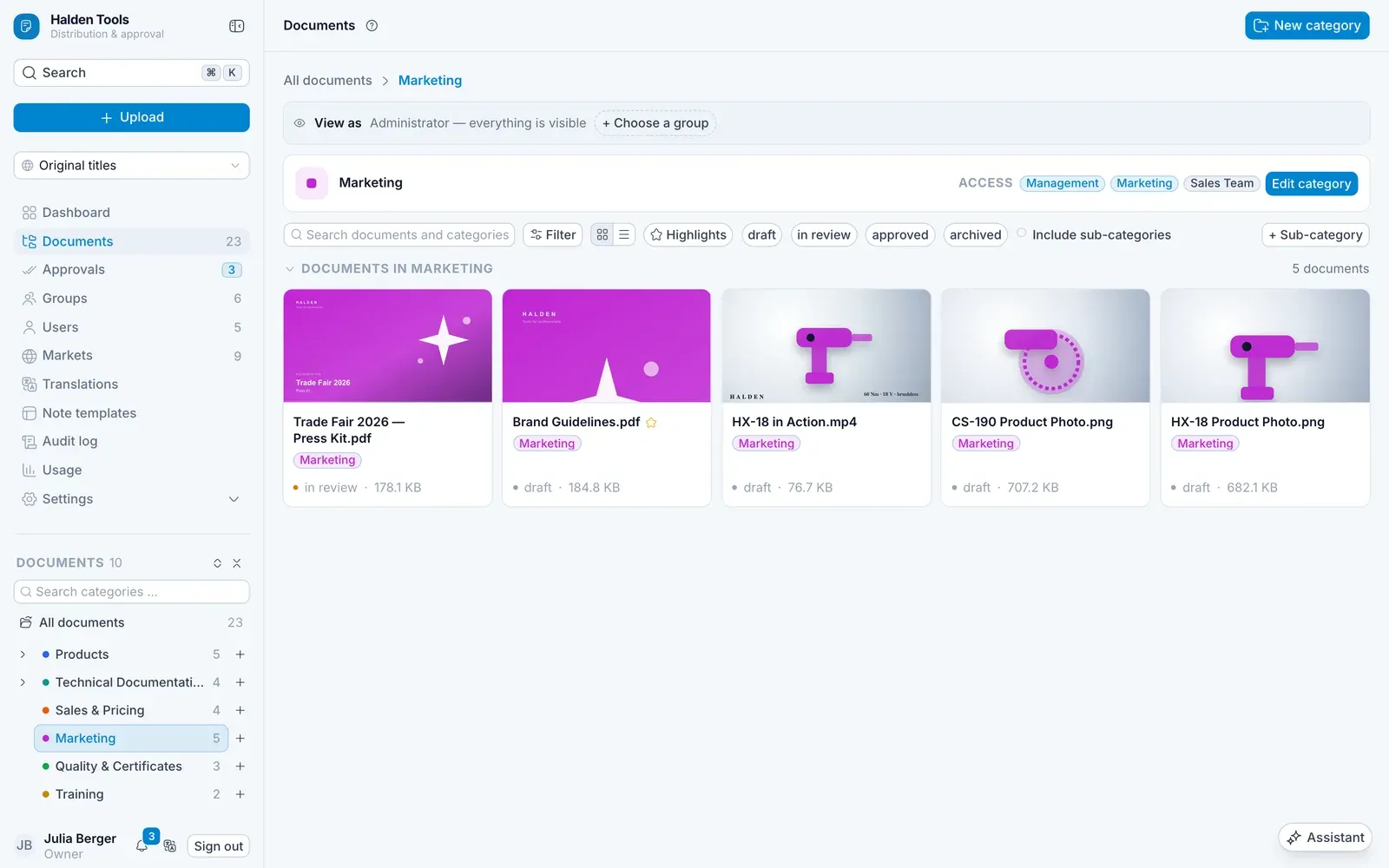
What you can see and do in the CMS depends on your role. It is shown at the bottom left, under your name.
| Role | May |
|---|---|
| Owner | do everything, including managing the organisation itself |
| Administrator | do everything within the organisation: users, groups, permissions, settings |
| Member | work in the categories they have permissions for; only view groups, users and markets |
In addition, someone can be a Group admin within a group. Group admins may approve documents when an approval workflow provides for it.
Permissions in one sentence
Documents live in Categories. A category is shared with Groups – with Read or Full. Anyone in the group sees the documents in the app; anyone with Full may also upload and make changes in the CMS. There is more on this under Groups and permissions.